Working with the SaaS Management Center
This article explains how to work with the Airlock Console. It provides an overview of the available tabs and menus.
SaaS Management Center outline
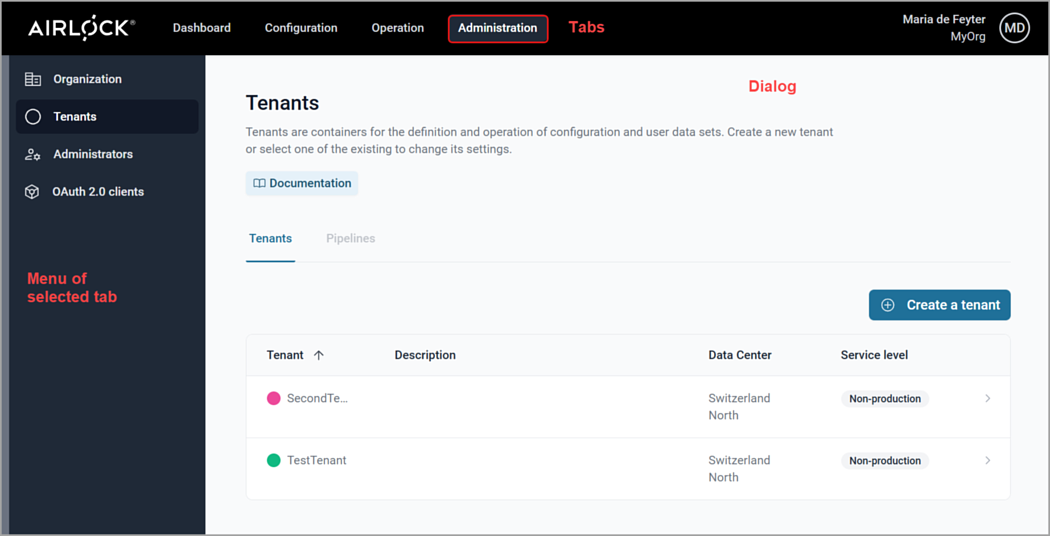
The SaaS Management Center consists of a horizontal tab bar and a vertical menu bar. The menu bar lists the menu available for the selected tab in the tab bar. The content of the field in the middle depends on the selected menu item. In the below screenshot, this is the Tenants menu item, belonging to the Administration tab.
Depending on the roles assigned to you, some tab- and/or menu items may be grayed out. For detailed information on roles and permissions, see SaaS roles and permissions.
Available tabs and menus
The following table provides an overview of the available tabs and their menus, with links to pages containing more information.
Tab | Menu item | More information |
|---|---|---|
Administration | Organization | |
Tenants | ||
Administrators | ||
OAuth 2.0 clients | ||
Operation | Activate configuration | |
User management | ||
Configuration | Getting started | |
Configuration files | ||
Vault |
Tenant color concept
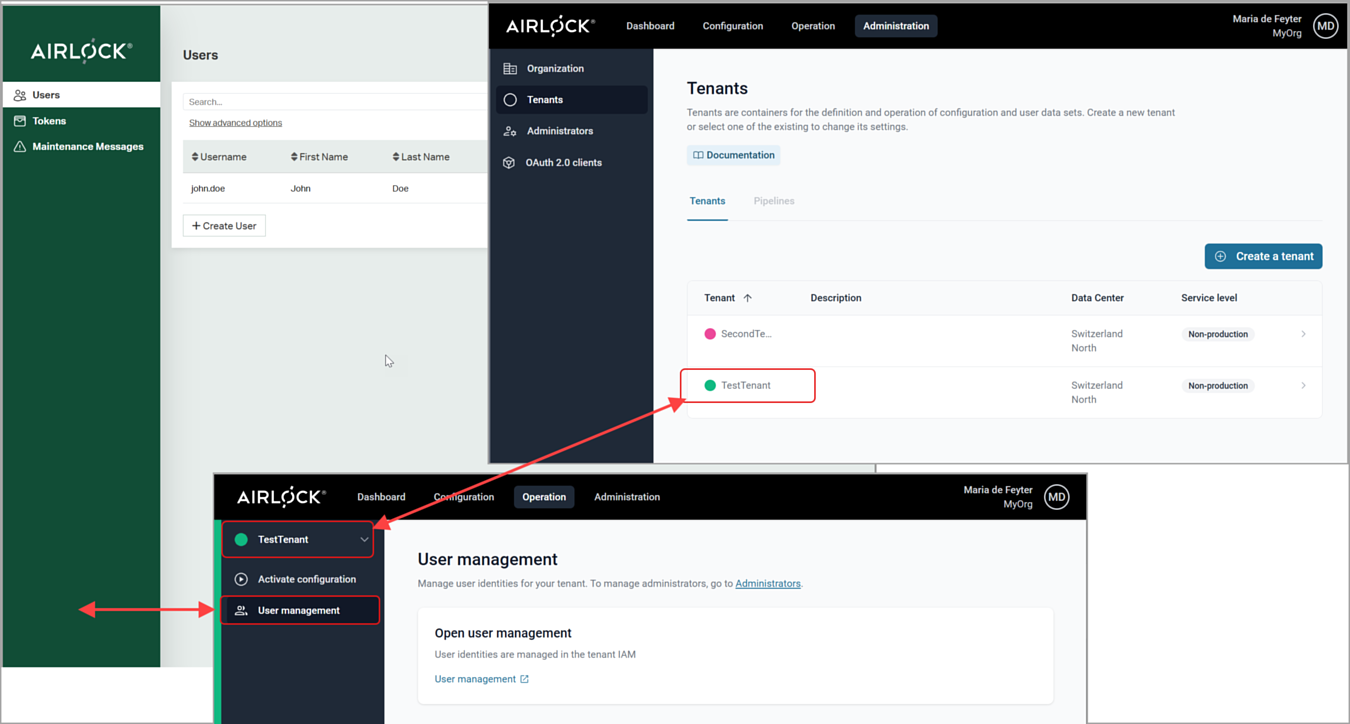
When you create a tenant, you have to give it a color. This makes it easier to identify the tenant. Additionally, it should avoid confusion when you work with the Adminapp.
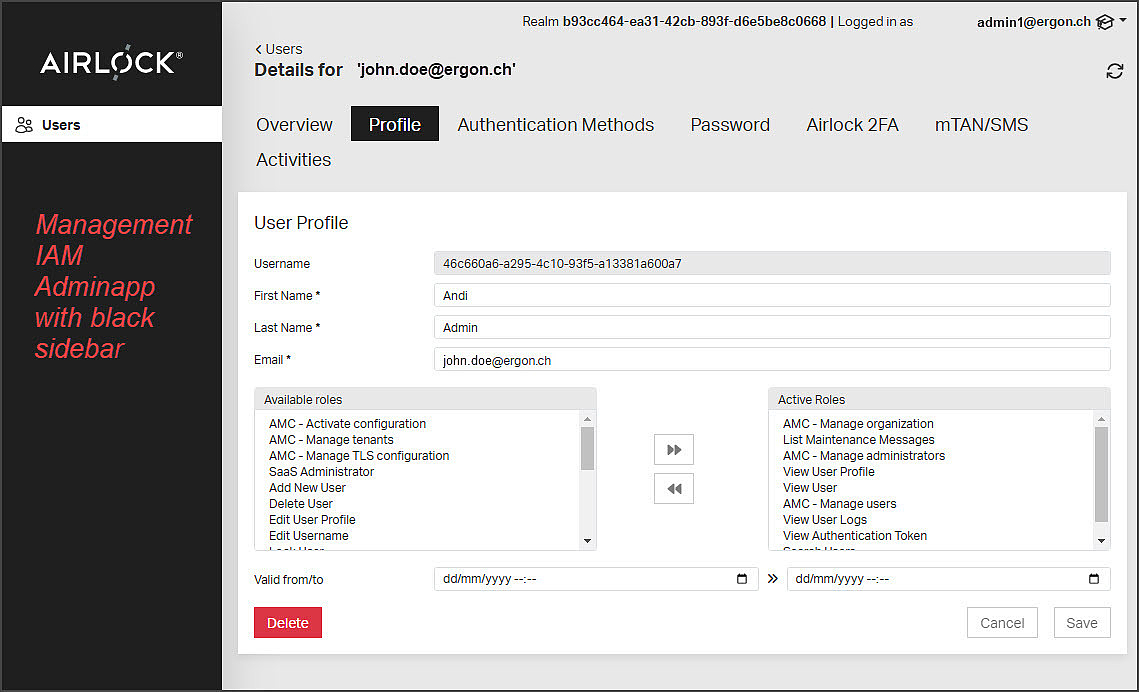
- When you work with the SaaS Adminapp to manage SaaS administrators, the Adminapp has a black left sidebar:
- When you work with the tenant Adminapp to manage the end-users of your company's applications, the Adminapp appears in the color of the corresponding tenant: