Section – API Keys
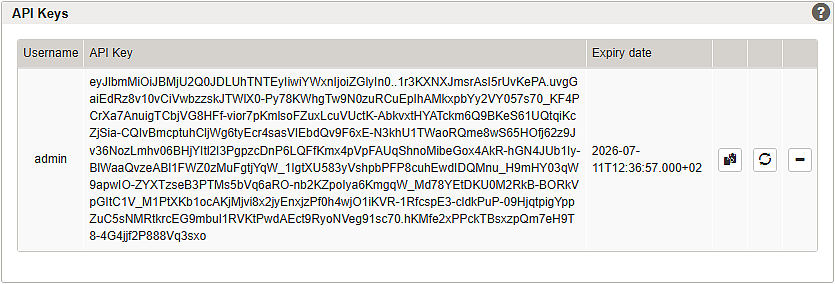
The table lists the users who have permission to access the REST API. For each entry, it shows the username, API key, assigned role(s), read paths, write paths, tenant, and expiry date. You can copy, renew, or delete an API key to use it, extend its validity, or revoke a user's access. If the Configuration Center user does not have administrator permissions, all API keys are masked. You can renew or delete API keys for other users, but you can create an initial API key only when you are logged in as the corresponding user. A red expiry date indicates that the API key has expired.
This table lists the users who have permission to access the REST API. For each user, it shows the Username, API Key, assigned Roles, Read Paths, Write Paths, Tenant, and Expiry date. You can copy (), renew (), or delete () an API key to use it, extend its validity, or revoke access.


If the Configuration Center user does not have administrator permissions, all API keys are masked. Such users can renew or delete API keys, but they can create an initial API key only for their own account. An expiry date shown in red indicates that the API key has expired.