Single-homed setup
A single-homed Airlock Gateway is ideal for quick and easy installation in a test environment. It can also be used in production environments where the network cannot be split into multiple subnets.
In this setup, all traffic flows through one NIC:
- Client (untrusted) traffic
- Management traffic
- Back-end server traffic
Traffic enters Airlock Gateway on this single interface, traverses the security zones, and exits on the same interface.
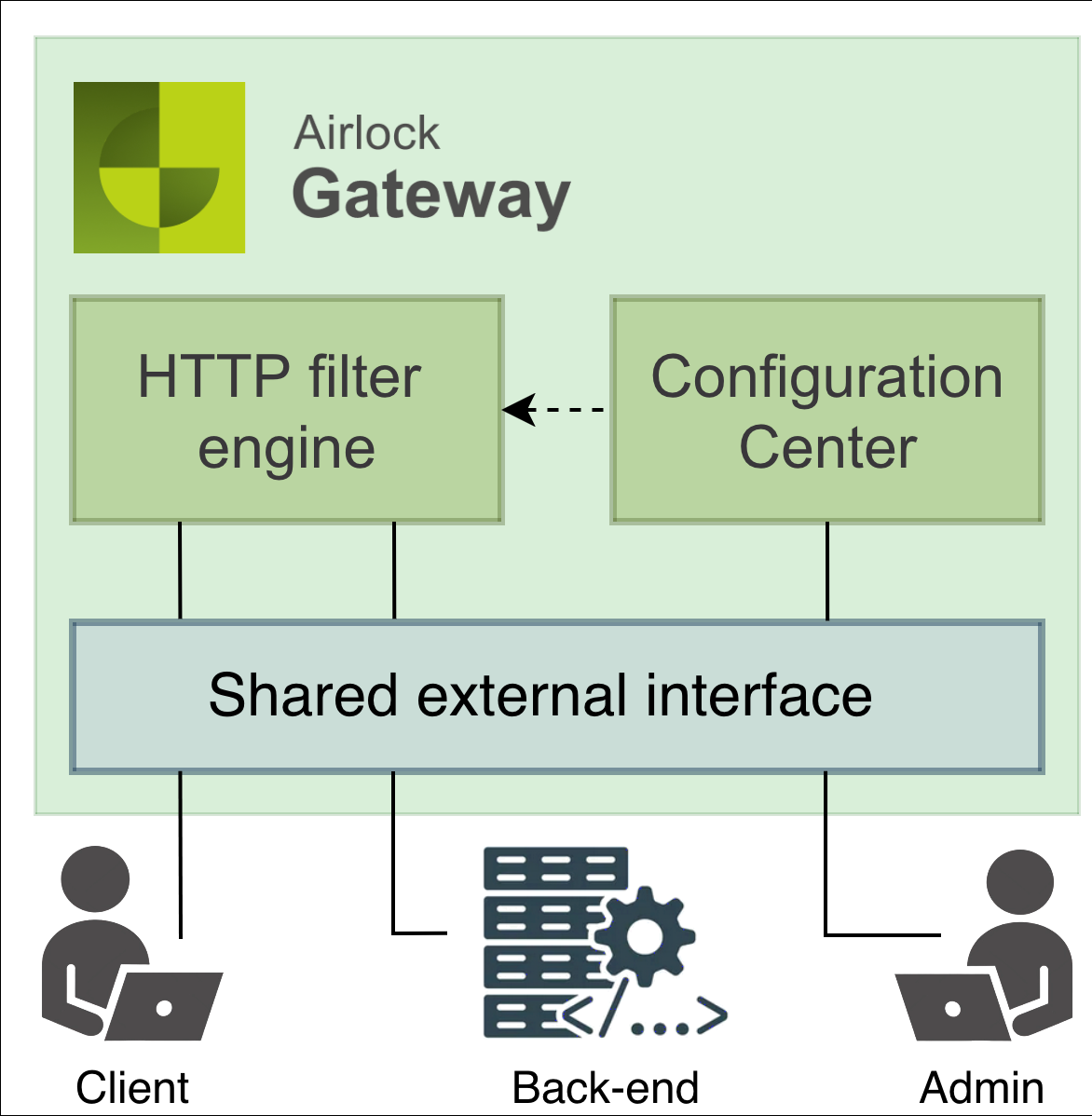
Requirements
- One physical or virtual NIC
- At least two IP addresses:
- one for external/virtual hosts
- one for management/backend
- In most cases, a default route on Airlock is sufficient; no additional host or network routes are needed for back-end, NTP, Syslog, DNS, or management servers.
Advantages
- Simple integration: quickest way to introduce Airlock into an existing network
- Low routing effort: less need for host- or network-specific routes
- Security: in a properly configured network, the additional risk is insignificant compared to multi-NIC designs.
Operational considerations
- Restrict management access: ensure only management clients can connect to the management IP.
- If traffic to back-end servers passes through an untrusted network, configure Airlock to use SSL connections for back-end communication.
- If back-end or management servers are not in the same subnet as the external IP, you may need to define additional static routes.
- When a client connects to Airlock externally and also to the back-end/management IP, Airlock may not determine the correct return path. NAT or forward proxies typically avoid this by ensuring distinct source IPs.