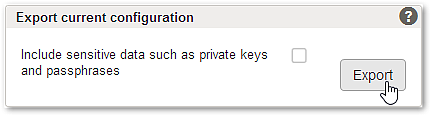
Section – Export current configuration
The active config file can be exported into a ZIP file. This can be useful i.e. when you plan to exchange the config file with another Airlock Gateway installation.
Notice
Export ZIP files can be imported as-is by Airlock Gateway. Do not unzip the file or manipulate its content.
By default, this export ZIP file includes:
- A large XML file containing all settings except private keys and passphrases.
certificate_revocation_lists.ziperror_pages.zip
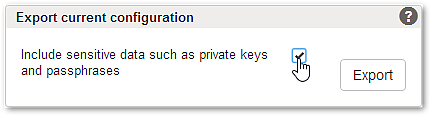
If required, private keys and passphrases can also be included in the XML file by enabling the export option.
Risk
(HIGH) When the export option is enabled, sensitive data (e.g., private keys and passphrases) are included in the export file.
- Use this option for limited internal use only.
- Do not share the file. Anyone having your private keys may pretend to be your web server.
- Store the export file in a safe place only.
- Delete the export file safely directly after use.
Usage
Default export (option not enabled!):
- Load and activate a configuration from the section Configuration History.
- Click the Export button.
- Save the ZIP file for future import.