Section – Custom Deny Rule Groups
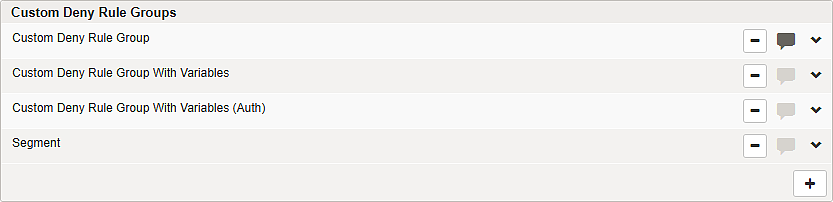
Add a new custom deny rule group by clicking and then providing a unique name for the new group. Remove a custom deny rule group by clicking next to the group.


Add a custom rule to a custom group by clicking on the right inside the group. Remove a custom deny rule from a group by clicking next to the rule inside the group.


Deny rules can be switched into log-only mode on mapping detail pages on Tab – Deny Rules. You can use the Log Only checkbox on a deny rule group header to quickly enable/disable the log-only mode for all rules in the group. In log-only mode, requests violating the rule are not blocked. The corresponding block log entry is created, but the request is still passed to the back-end server.
If you accidentally delete a rule, you can reload the last saved or activated configuration under Submenu – Configuration Files to recover the previous configuration.